Al Quoz Industrial Area 4 · Dubai

Laptop repair in Dubai — Al Quoz

We repair laptops and tablet PCs from all major brands — Apple, Dell, HP, Lenovo, ASUS, Acer, MSI and more — at chip level wherever possible, so you are not forced into a full board or part swap when a single component has failed. Diagnostics are free, and we explain the fault and the cost before any work starts. Most repairs are ready in 1–2 days, with a 3–6 month warranty depending on the device and the repair.

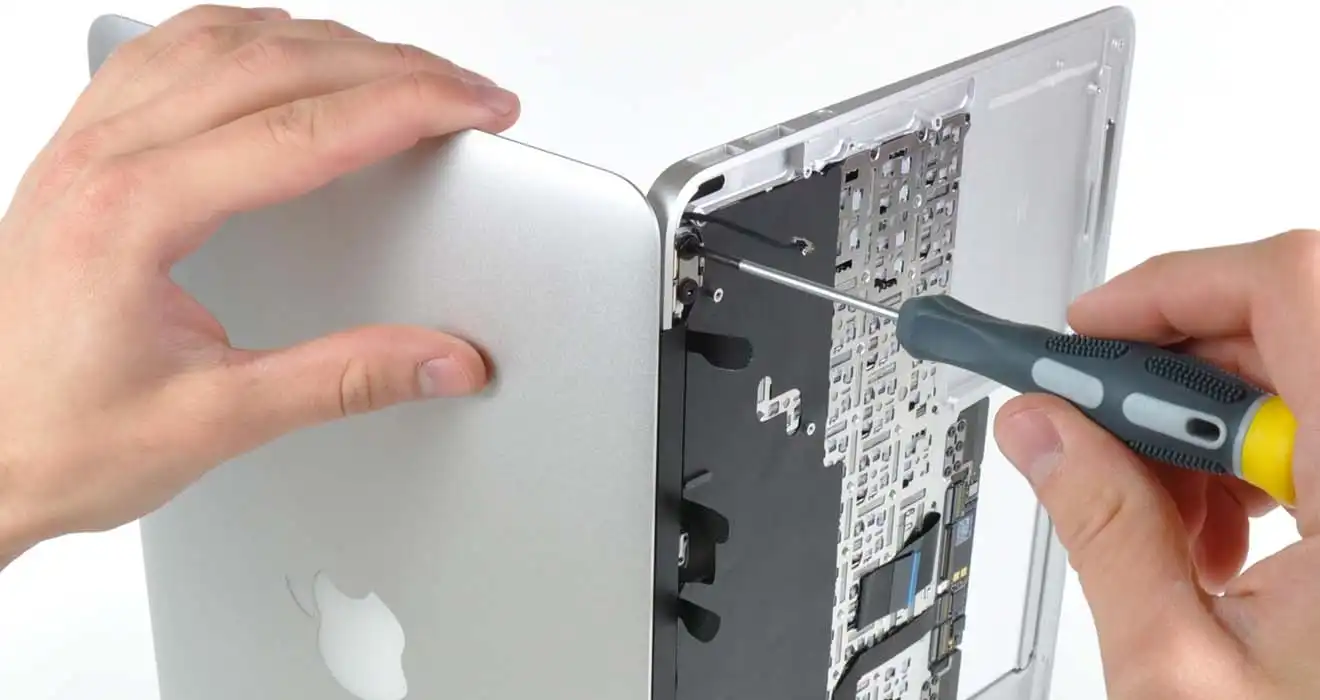
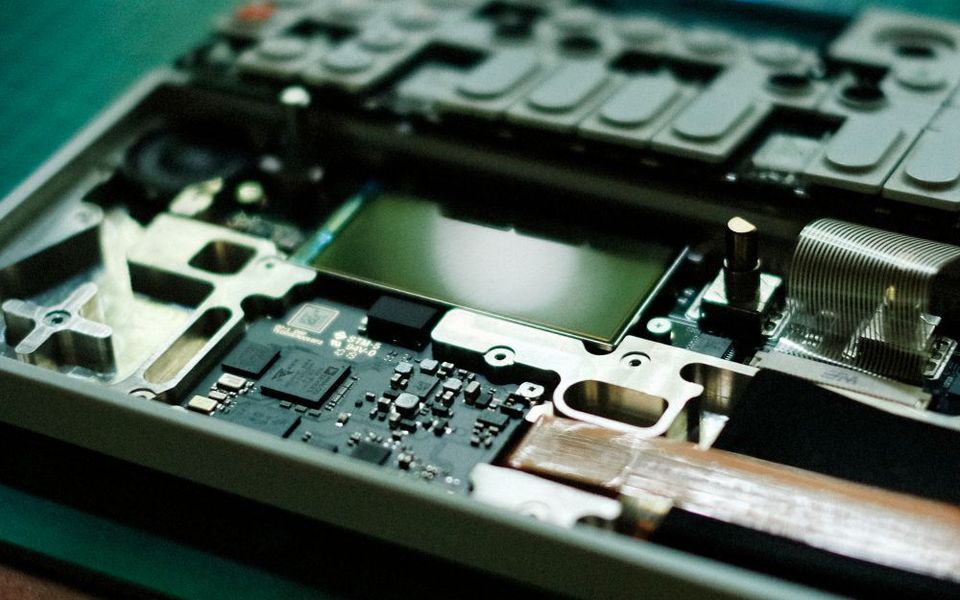
MacBook opened on the bench for board-level repair
  • Freediagnostics
  • 1–2 daystypical turnaround
  • 3–6 monthswarranty, by device & repair
  • Chip-levelrepair where possible

What we repair

Laptop & tablet repairs we handle

Every repair starts with a free diagnosis. We confirm the fault and the price with you before any work begins — no surprises.

Opened laptop showing the motherboard and components

Motherboard repair

When a laptop is dead, keeps restarting or shows no picture, the motherboard is often the cause. We trace the fault down to the failed chip, MOSFET, capacitor or power rail and repair it on the board, instead of replacing the whole board when that is not needed.

Ask about this repair →
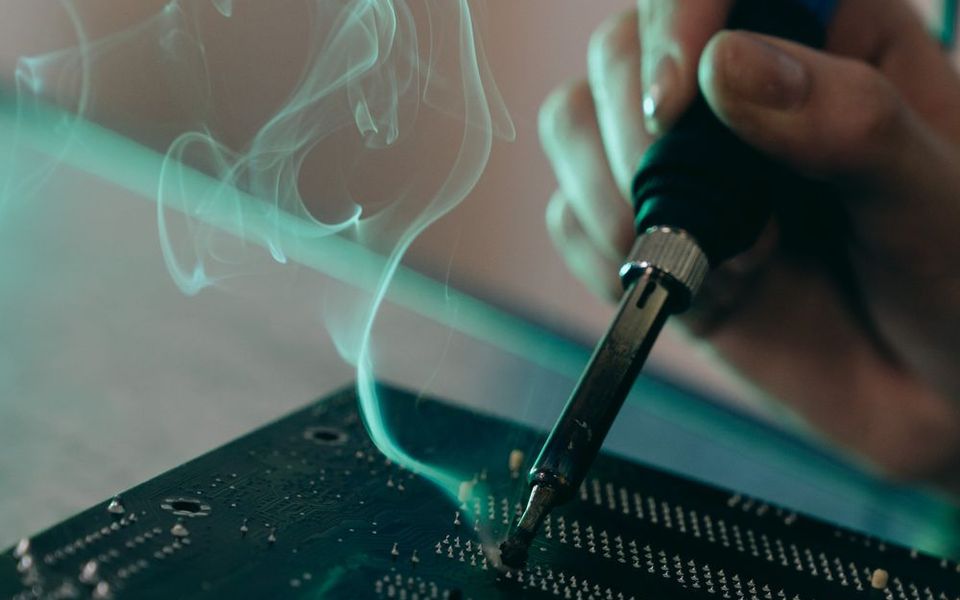
Technician soldering a component on a circuit board

Power & charging circuit repair

If the laptop does not power on, does not charge, or only works on the adapter, the charging circuit on the board is a common suspect. We test the charging IC, input protection and power rails and replace the failed parts.

Ask about this repair →
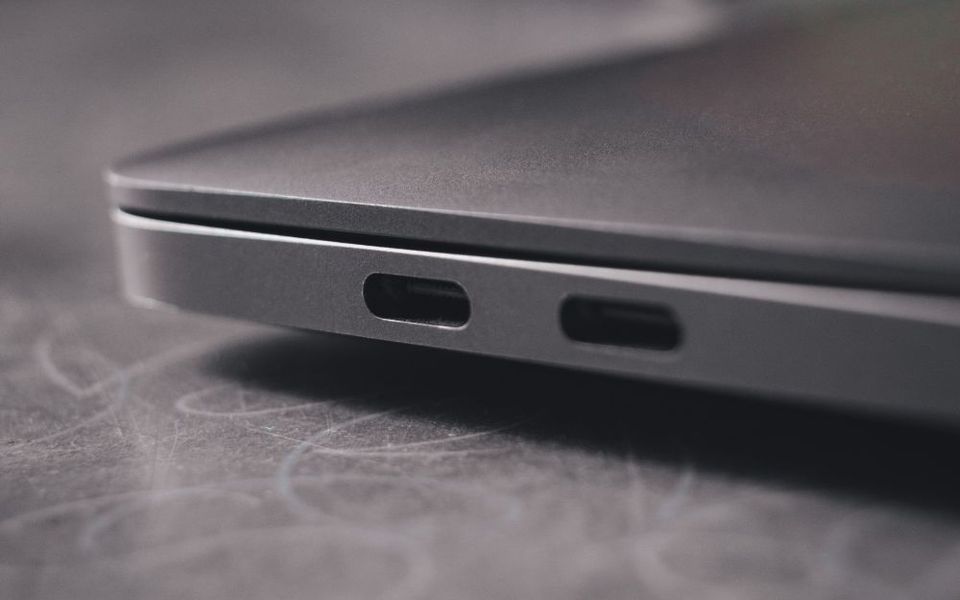
Close-up of laptop side ports

Charging port (DC jack / USB-C) replacement

A loose, burnt or broken charging port can cause intermittent charging or no charging at all. We replace the DC jack or USB-C port and check the connected board circuit so the problem does not come back.

Ask about this repair →
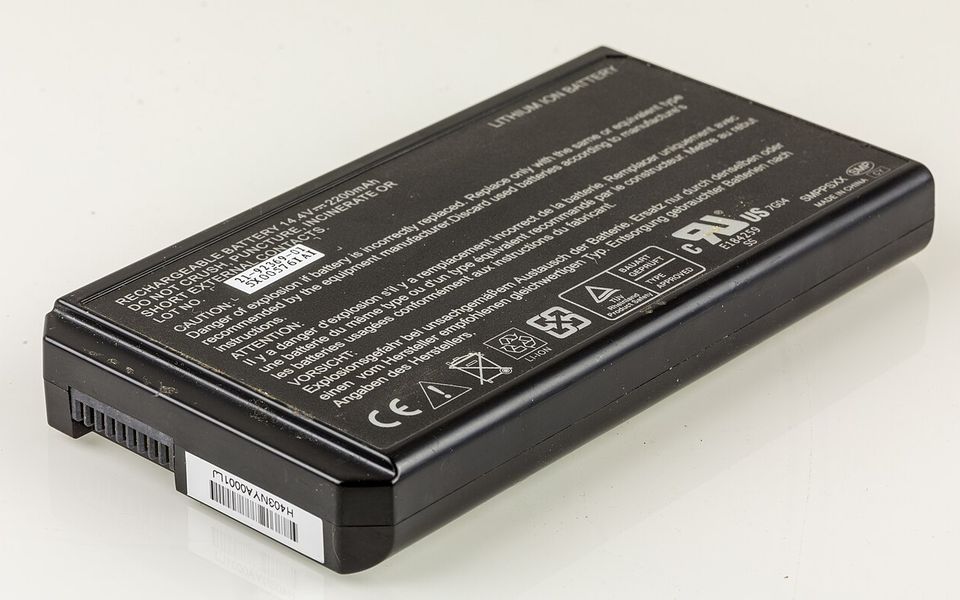
Laptop lithium-ion battery pack
Photo: Raimond Spekking / Wikimedia Commons, CC BY-SA 4.0

Battery replacement

Batteries that drain fast, are not detected, or have started to swell should be replaced. We fit a suitable battery for your model and check that charging works correctly afterwards. A swollen battery should not be used — bring it in as soon as you can.

Ask about this repair →
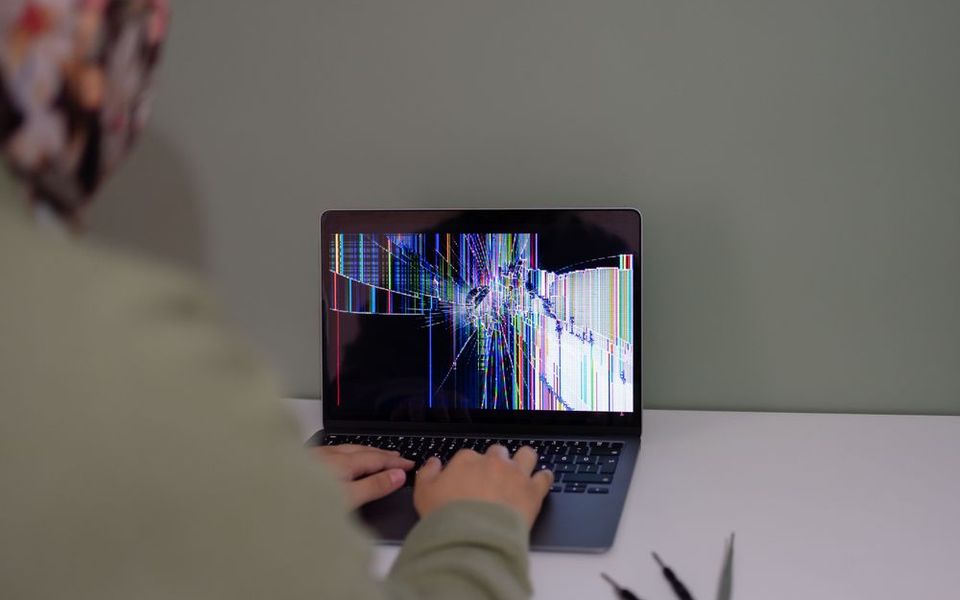
Laptop with a cracked screen

Screen & touch display replacement

Cracked glass, lines, flickering, dark patches or a touch layer that no longer responds. We replace the panel or touch assembly, and check the display cable and backlight circuit when the panel itself is not the problem.

Ask about this repair →
Close-up of a laptop keyboard

Keyboard replacement

Keys that stop working, stick or type the wrong characters — often after a spill. We replace the keyboard assembly for your model and check the board for liquid damage at the same time.

Ask about this repair →
Hand using a laptop touchpad

Trackpad / touchpad repair

A trackpad that does not click, jumps around or stops responding can be caused by the pad itself, its cable, or a swollen battery pushing from underneath. We find the real cause and repair or replace the part.

Ask about this repair →
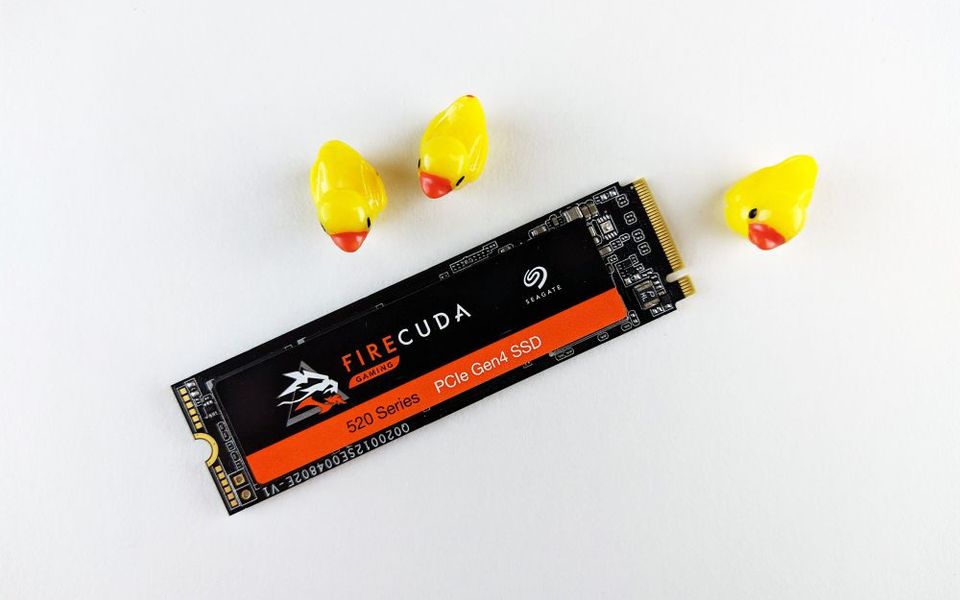
M.2 solid-state drive

SSD / storage replacement & upgrade

Slow start-up, freezing or a 'no boot device' message often point to a failing drive. We replace or upgrade the SSD and, where the old drive is still readable, can move your data across.

Ask about this repair →
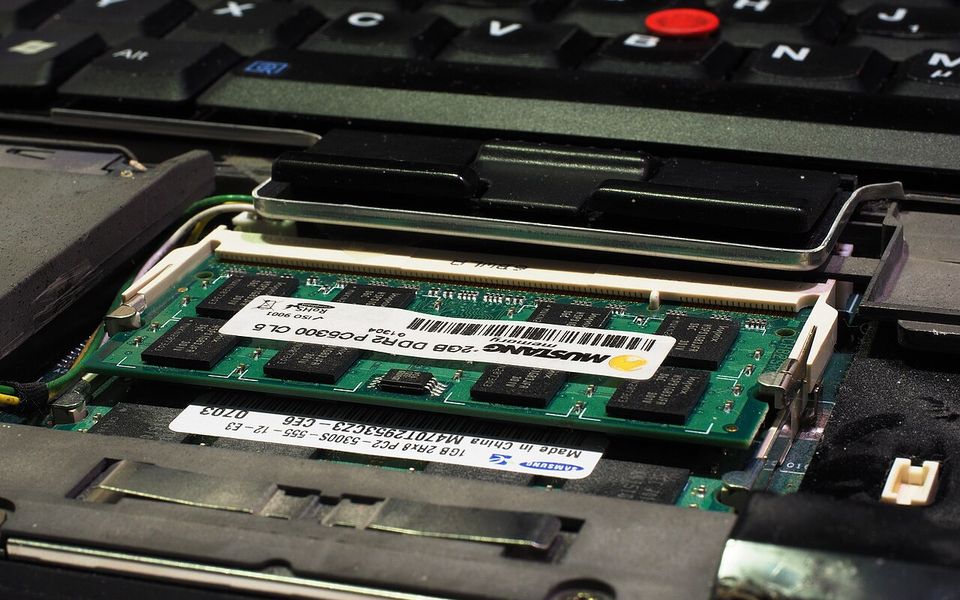
SO-DIMM memory module installed in a laptop
Photo: Kreuzschnabel / Wikimedia Commons, CC BY-SA 3.0

RAM upgrade & memory faults

Random crashes, blue screens or beeps at start-up can come from faulty memory. We test the RAM, replace faulty modules, or upgrade capacity where your laptop supports it.

Ask about this repair →
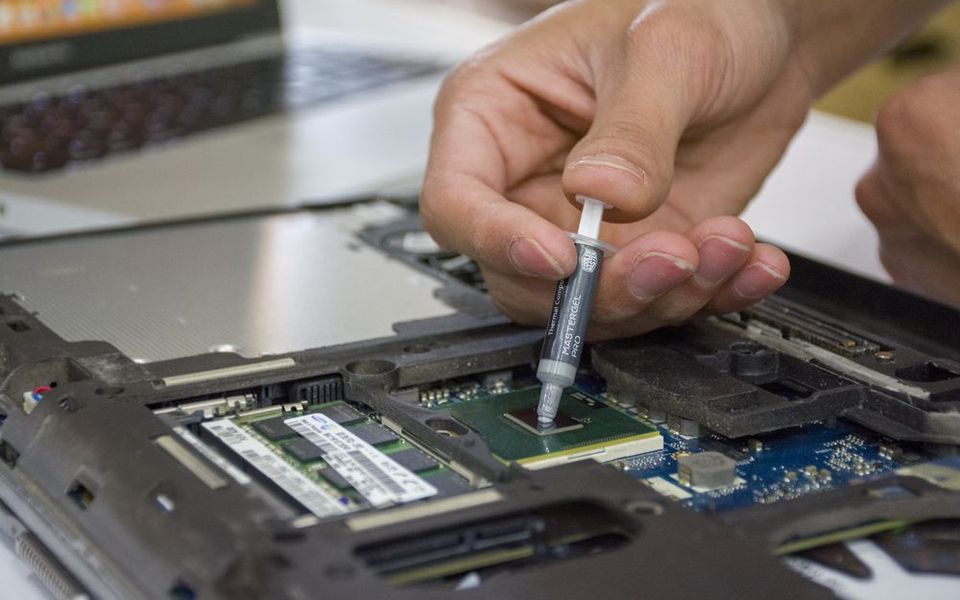
Technician applying thermal paste inside a laptop

Cooling, fan & thermal paste service

Overheating, loud fans or sudden shut-downs under load usually mean dust build-up, dried thermal paste or a worn fan. We clean the cooling system, renew the thermal paste and replace the fan if needed.

Ask about this repair →
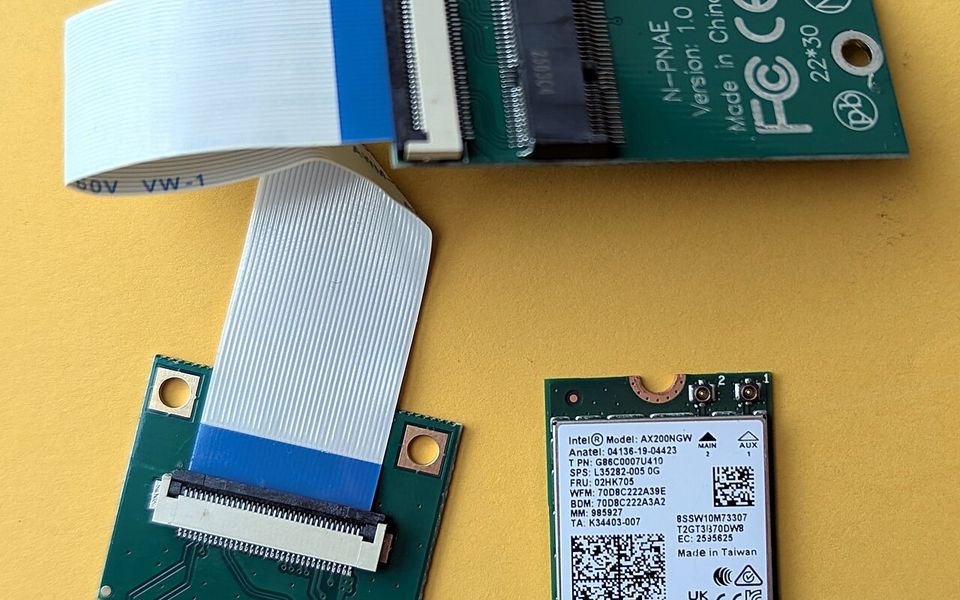
Laptop Wi-Fi card module
Photo: Siarhei Besarab / Wikimedia Commons, CC BY-SA 4.0

Wi-Fi & Bluetooth repair

If Wi-Fi or Bluetooth disappears, keeps dropping or has very weak signal, we check the wireless card, the antenna cables and the drivers, and replace the card or antennas when they are faulty.

Ask about this repair →
Laptop screen showing system text

Software & operating system repair

Laptop stuck on start-up, very slow, or full of errors? We repair or reinstall Windows or macOS, install drivers and updates, and back up your files first where possible.

Ask about this repair →
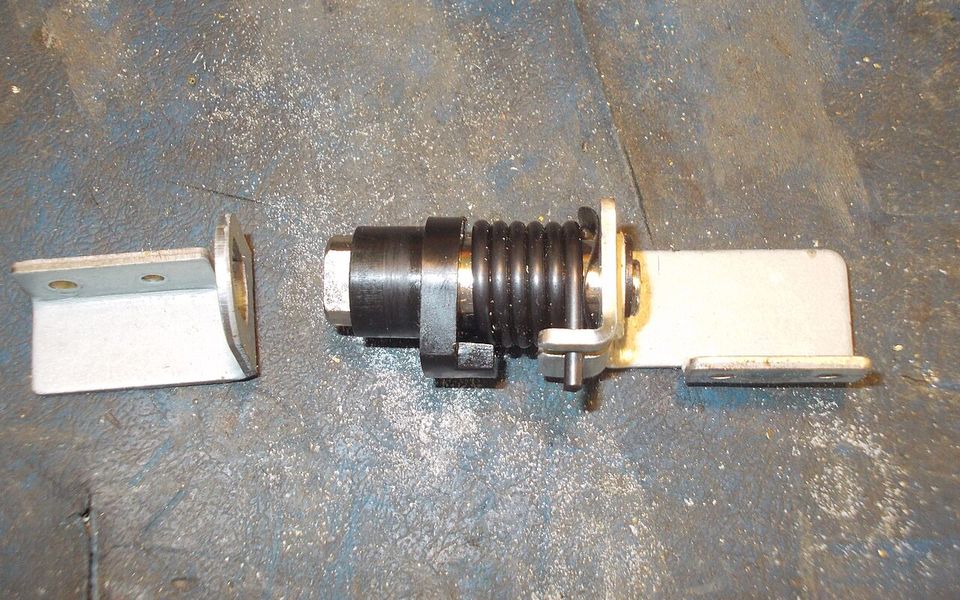
Close-up of a laptop hinge
Photo: tony_duell / Wikimedia Commons, CC BY 2.0

Hinge repair

Broken or stiff hinges put stress on the screen and the case, and can end up cracking both. We repair the hinge mounts and replace the hinges so the lid opens and closes safely again.

Ask about this repair →
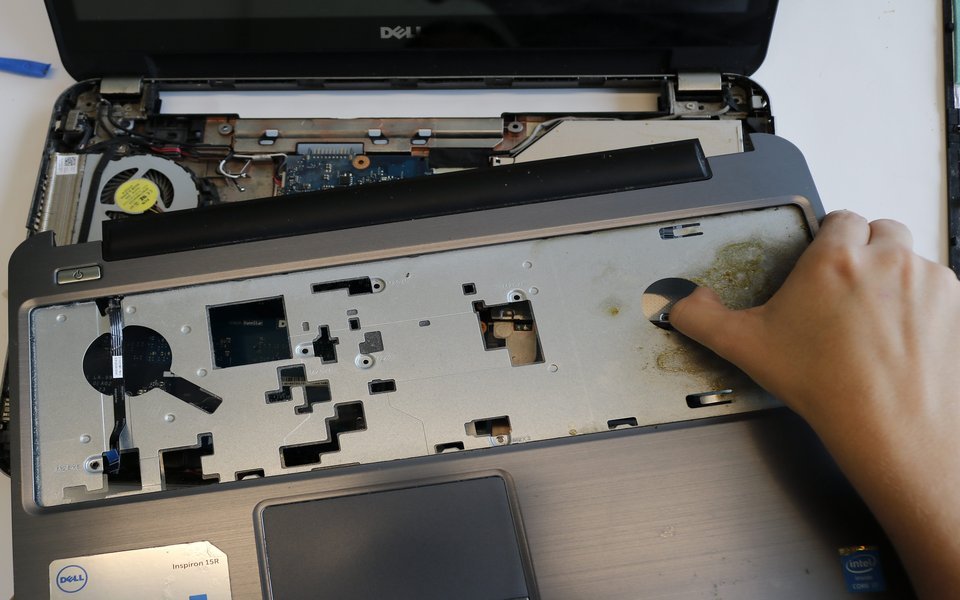
Dell laptop with the bottom cover removed on our workbench

Body & casing repair

Cracked corners, broken palm rests, damaged bottom covers or missing screw mounts. We repair or replace the damaged casing parts so the laptop is solid and protected again.

Ask about this repair →

Free diagnostics

Tell us what is wrong — we will tell you honestly what it takes

Send a short description or video of the fault on WhatsApp for the fastest answer, call us, or bring the device to the workshop in Al Quoz. Open Mon – Sat, 10:00 – 19:00.

Capitol Warehouse Complex, Warehouse 1, Unit M-07 (1st Floor), 14C Street, Al Quoz Industrial Area 4, Dubai · Open in Google Maps